Working Not Working
Working Not Working is a creative platform connecting creatives with opportunities. WNW assists leading brands in hiring freelance and full-time creatives globally.
During 2023, I worked on various projects with WNW ranging from making updates to existing site flows to creating completely new features on the WNW platform. The following are just some of those projects.
Revamping the creative profile
Overview
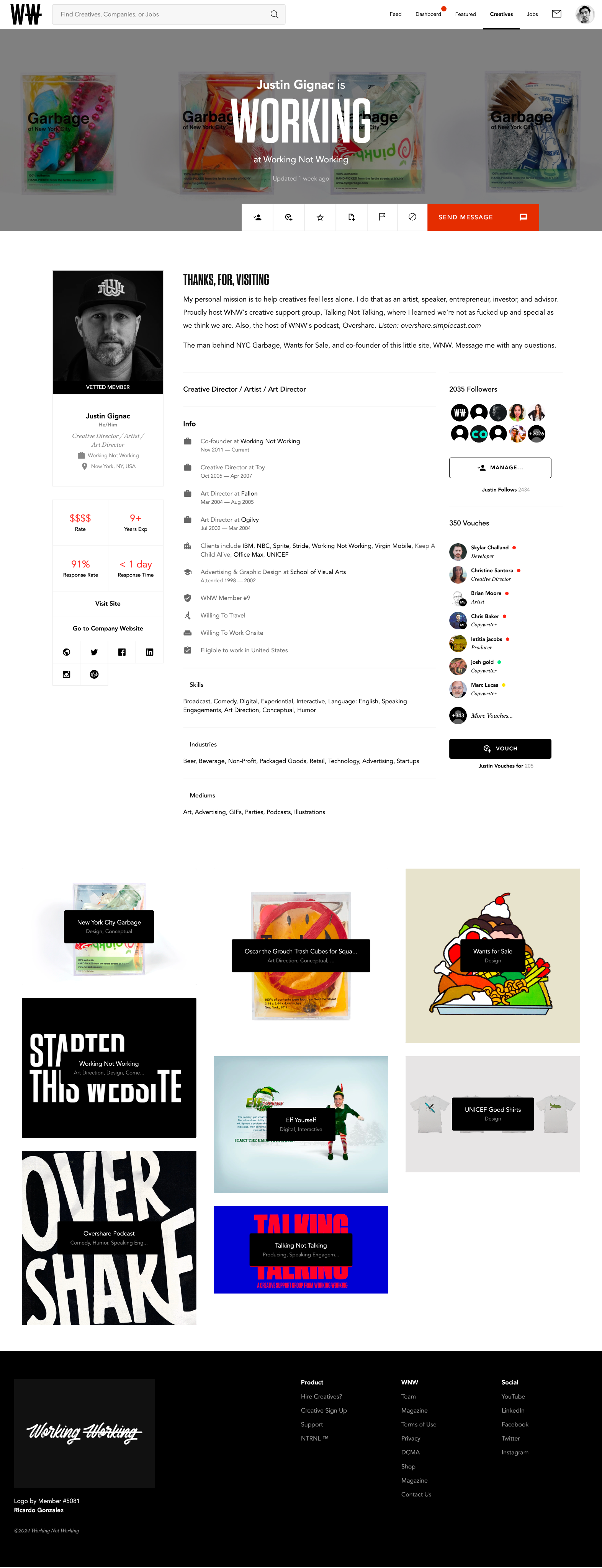
Numerous platforms exist for creatives to exhibit their work, primarily with the goal of attracting potential clients. However, on many of these platforms, the focus tends to be transactional, with the spotlight on the work itself rather than on the individual behind it.
To set WNW apart from the crowd, we decided to adopt a community-centric approach. Our redesign places a stronger focus on the person behind the work, prioritizing who they are over what they've done. By highlighting the individuals themselves, we can foster more meaningful connections within our creative community.
Meeting the creative
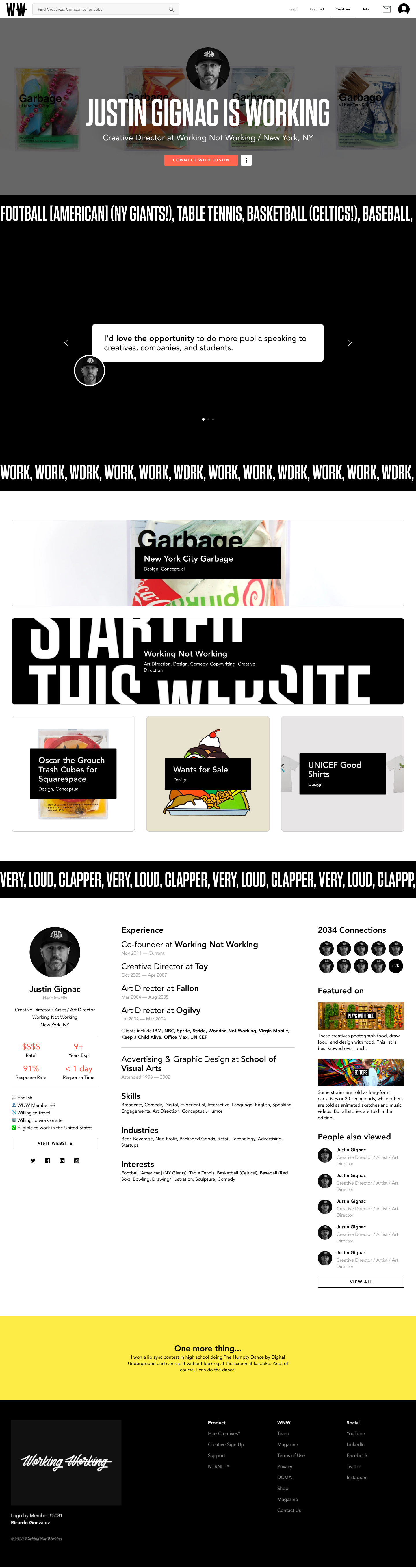
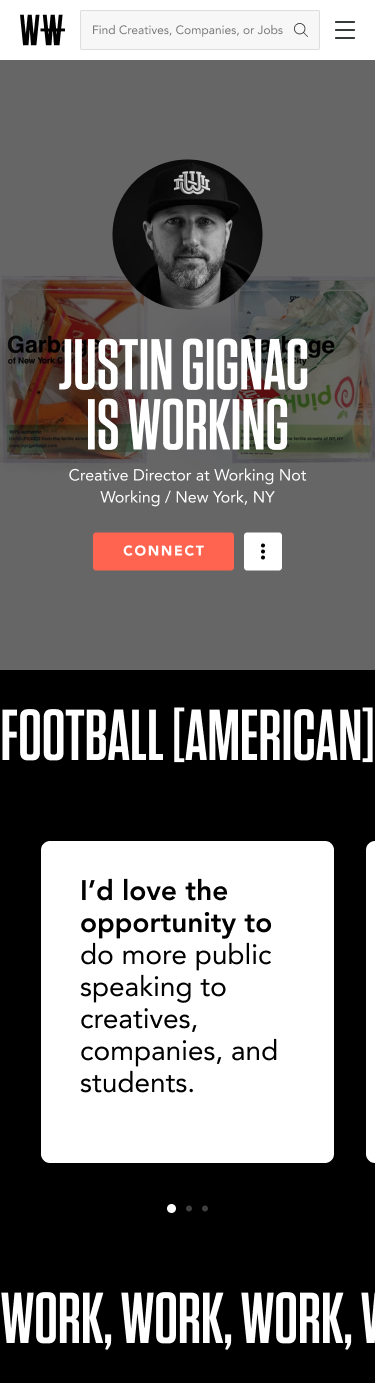
In the proposed design, the creative’s current job title and profile image were consolidated into the top header. This quickly introduces a creative and summarizes their current work status. This also provides some breathing room and focus for visitors to learn more about the creative via the creative prompts in the rotating carousel below.
We also introduced the option for creatives to share their interests, which enables them to further differentiate themselves from everyone else. To keep with WNW’s playful tone, interests were placed in a ticker. The ticker provides an element of motion to the page and also indirectly forces creatives to be strategic in terms of selecting interests that matter most since most visitors wouldn’t wait to see a creative’s entire ticker feed.
Loading up a creative profile for the first time

Various creative prompts that a creative can answer
Project showcase
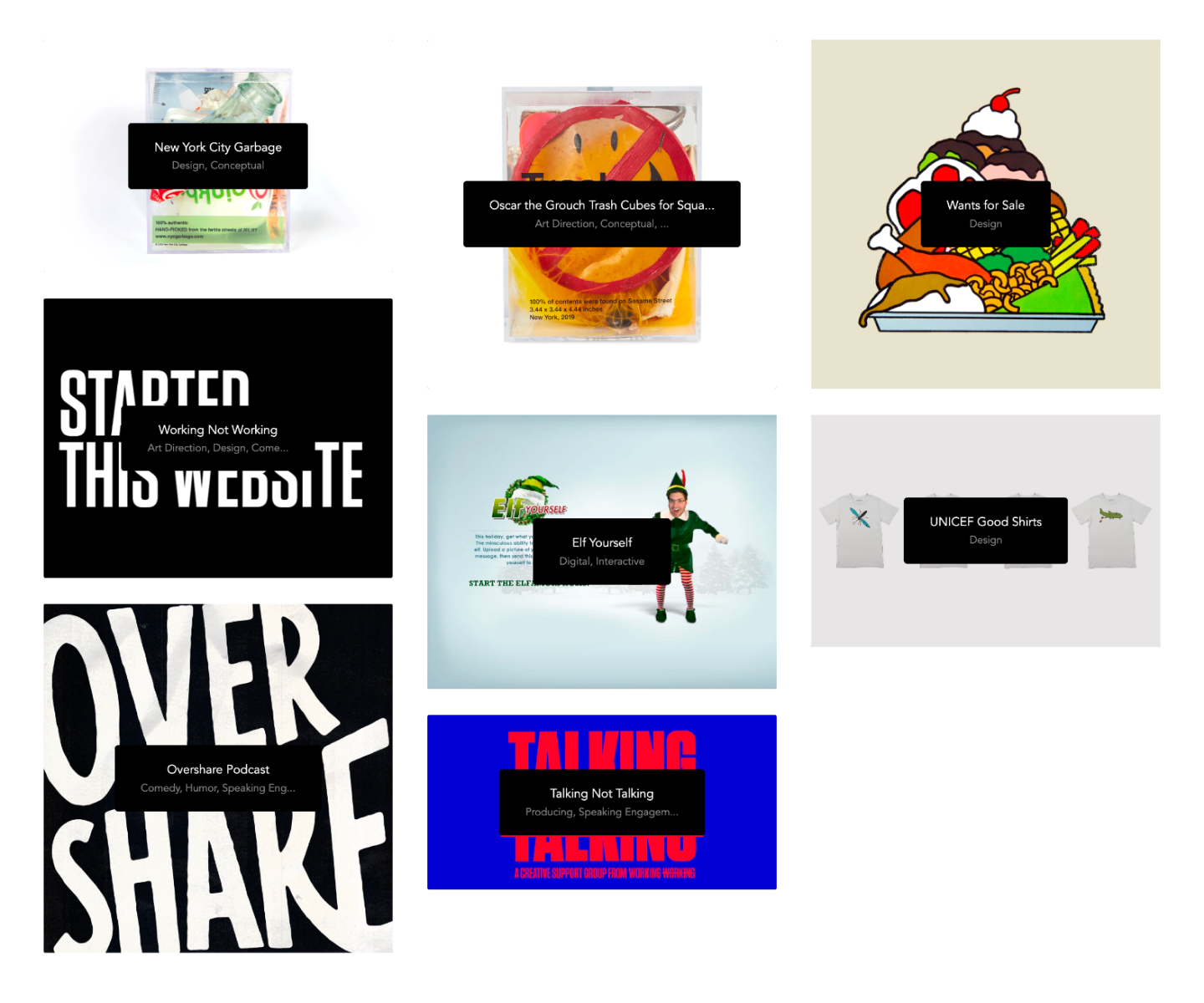
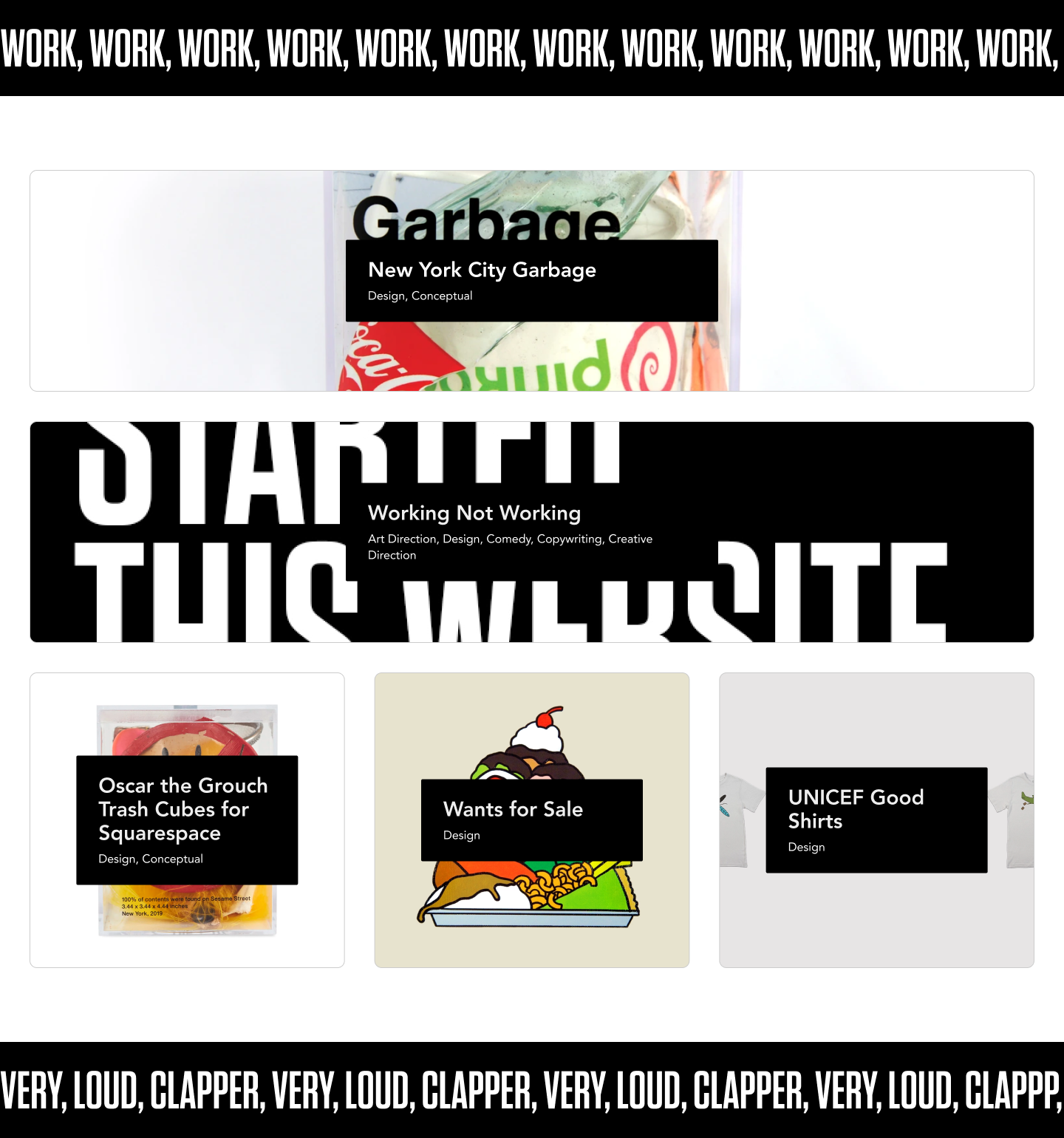
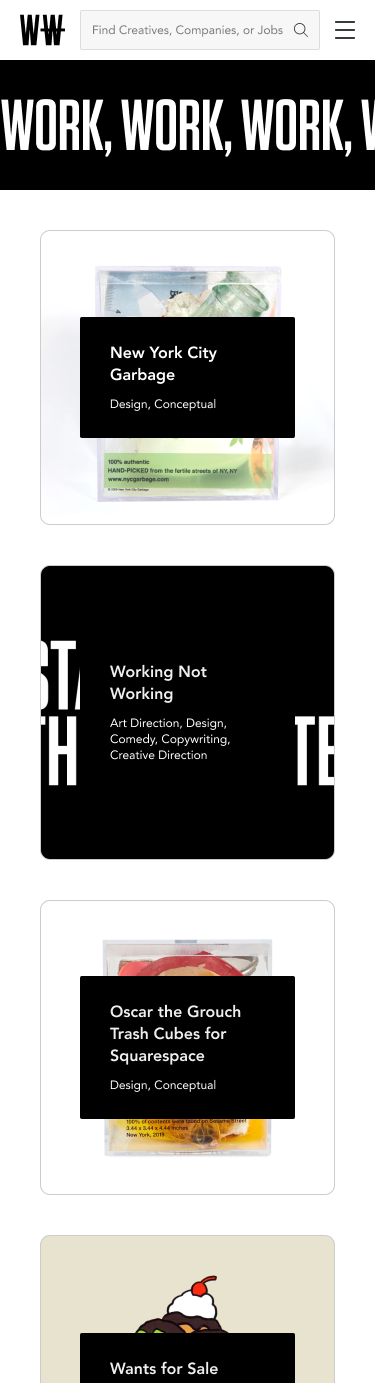
Further down the page, creatives can showcase their projects. In the current build, only one project could be featured at a time. When a project is featured, it appears as a creative’s primary project within the search results. In the proposed build, creatives are able to feature multiple projects (up to 3). Featured projects are also given more visual real estate.
Rounding out the profile
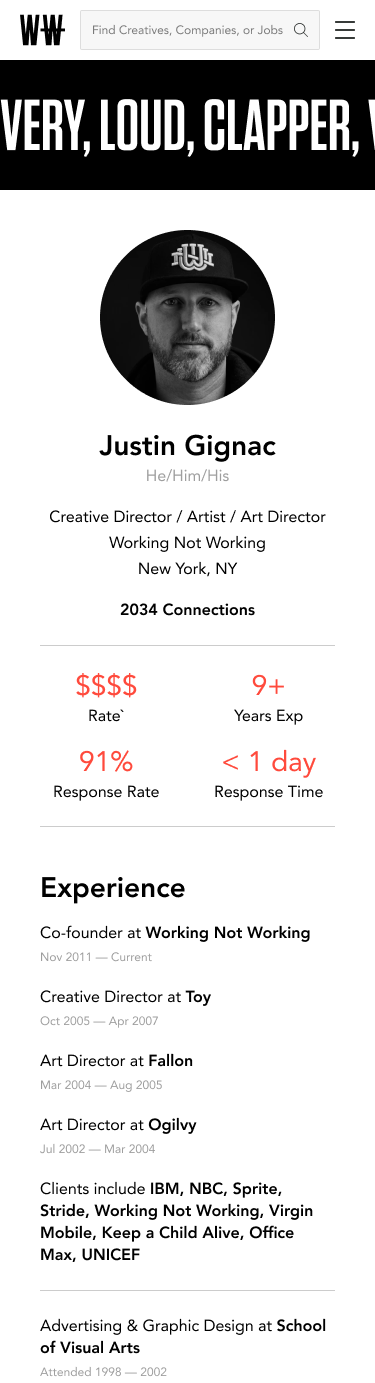
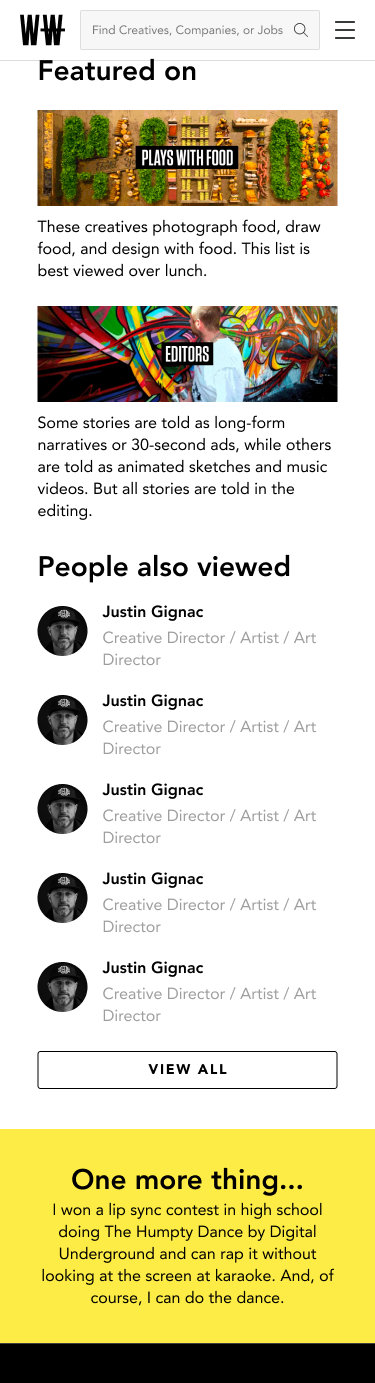
Towards the end of the page, we dive into the finer details of our creatives, such as their work history and connections. While this content often tends to become monotonous, we maintain the playful tone and vibe of WNW by utilizing the ticker mechanism. Here, we display a creative's "Three words," which they use to describe themselves in their profile. Additionally, we unveil a creative's hidden talent, adding an element of surprise and intrigue.
The mobile version of the profile was also taken into consideration.
Give it a spin
Take the proposed creative profile (desktop) for a test drive 👉 Figma prototoype.
Designing the Opportunities feature
Overview
WNW's NTRNL is a new platform designed to empower creative organizations in harnessing their employees' full potential. The platform features highly personalized profiles, enabling managers to gain insights into the diverse interests and expertise within their current workforce.
To foster a sense of community among employees, the platform offers customized opportunities that align with these diverse community aspects. This approach ensures that employees can readily find opportunities that genuinely match their unique interests and skills.
Browsing opportunities
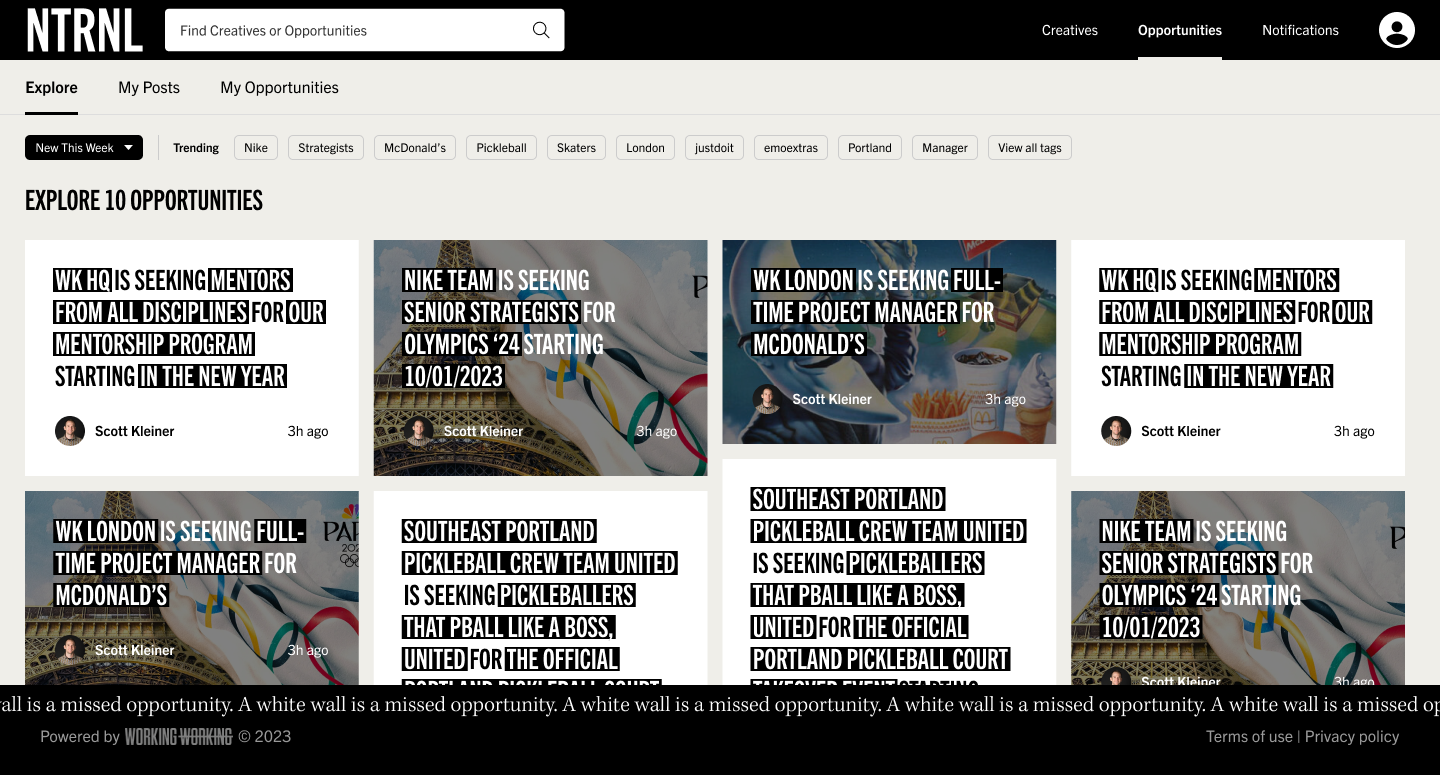
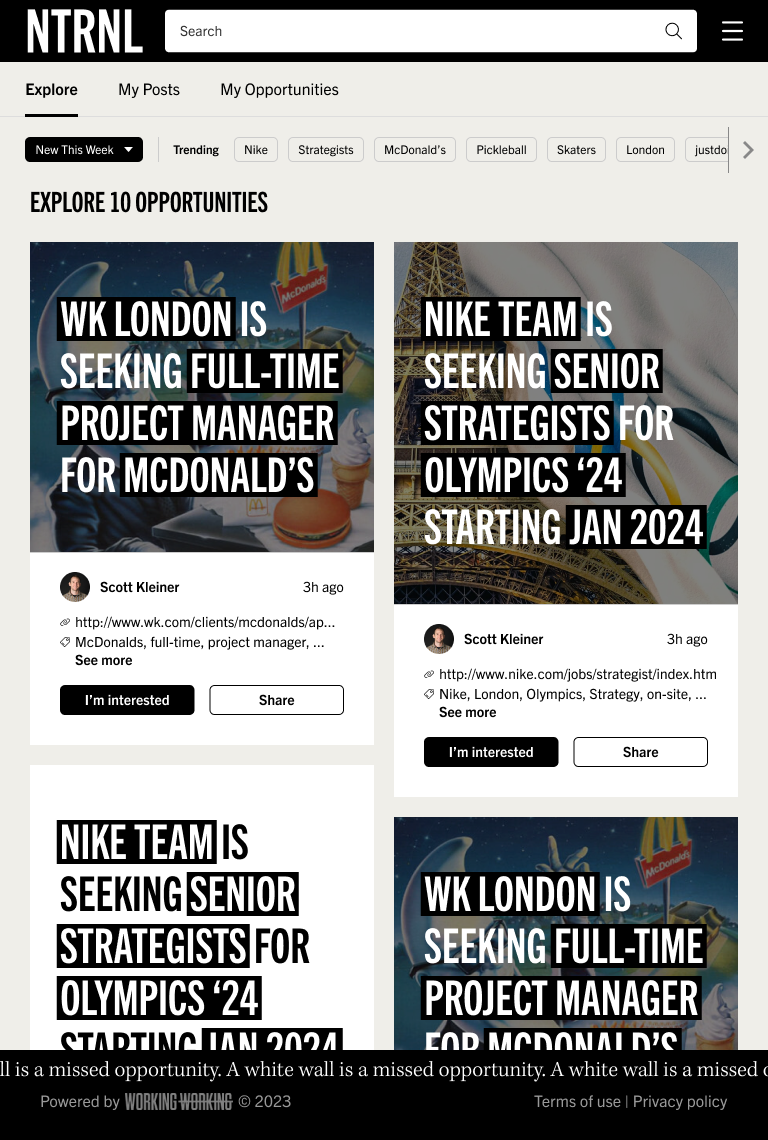
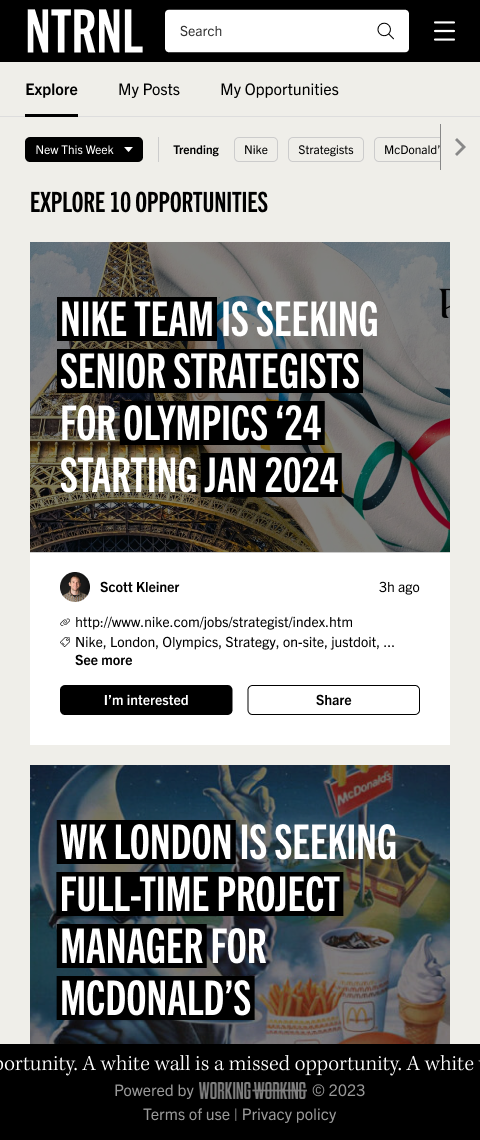
We wanted to make the browsing experience feel familiar similar to that of a community cork board. We also kept the experience as simple as possible from both a browsing and from an admin standpoint since this would be the first time this feature appears on the platform. Opportunities have a 30-day expiration date, which helps to keep the experience fresh and updated.
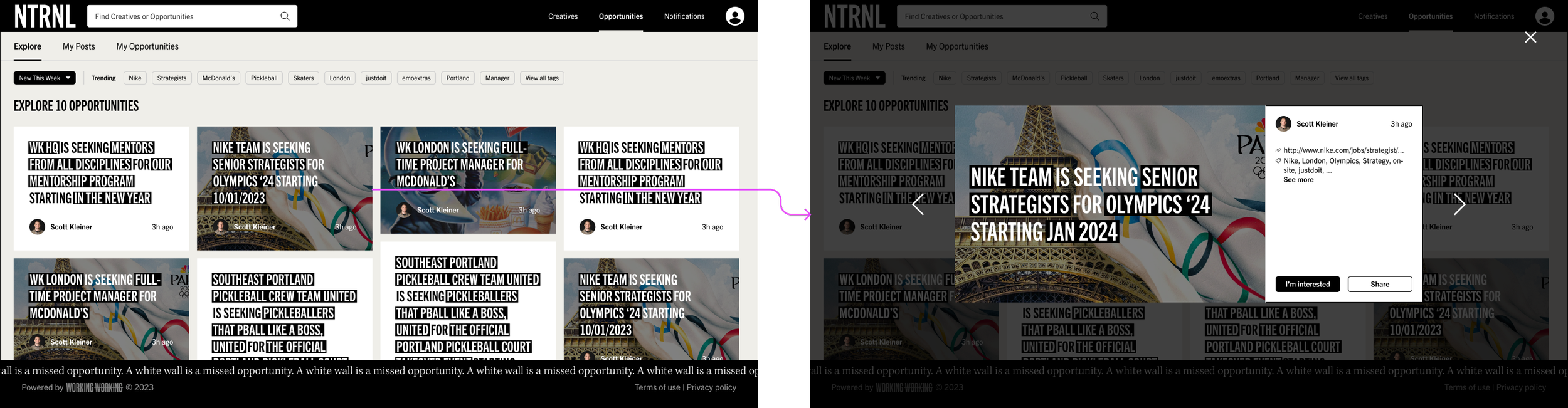
Viewing an opportunity
Posting an opportunity
Posting an opportunity shouldn’t feel intimidating or overwhelming. To accomplish this, I took a WYSIWYG approach, which gives users a preview of what an opportunity looks like when posted to the platform. The mad lib format also made it feel familiar and kept with WNW’s playful vibe.
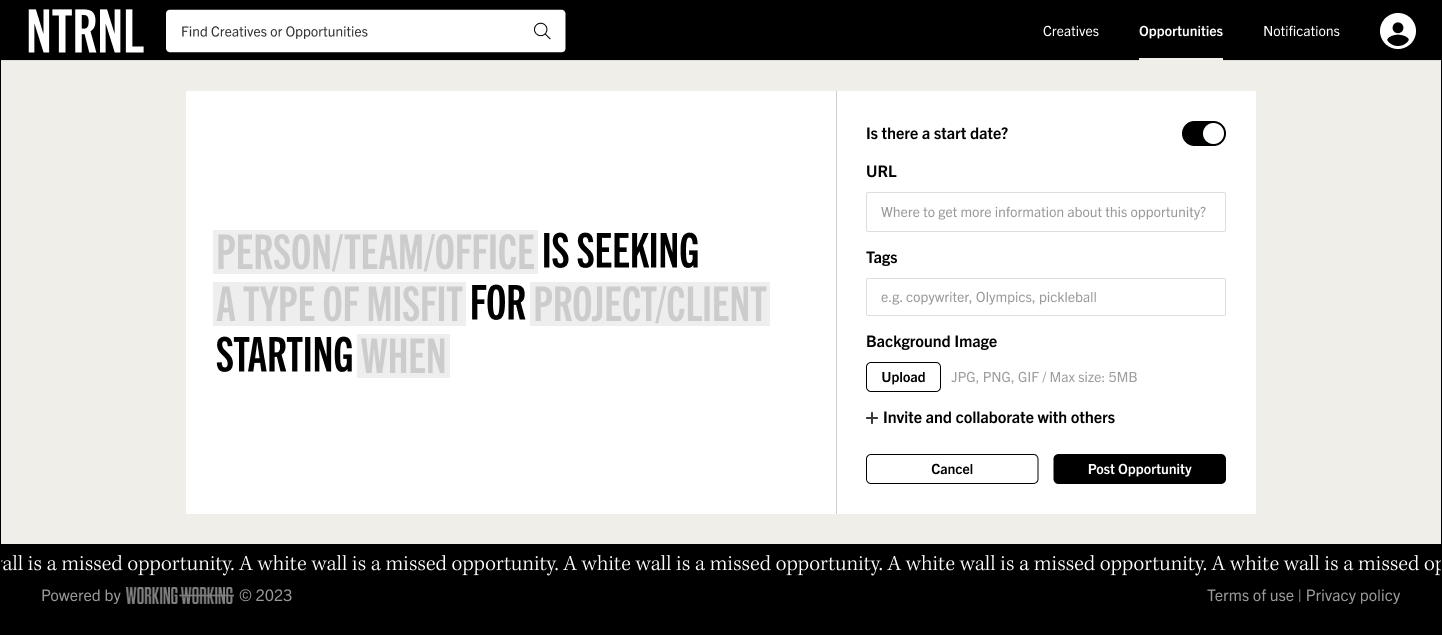
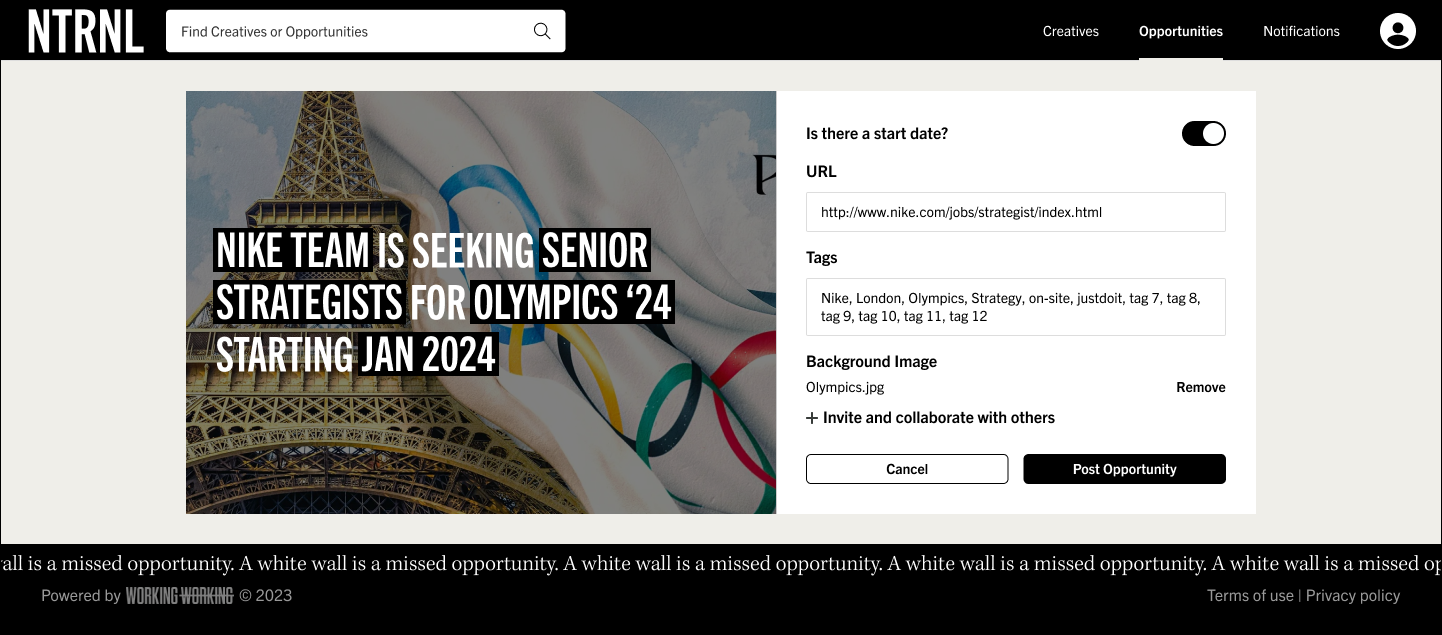
Posting an opportunity flow
Editing an opportunity
When considering the edit flow, everything should still feel familiar. Users are able to quickly access a list view of all of their opportunity posts where they can access the dashboard view for each post.
Editing an opportunity